Visitor reports, not an automatic scanner
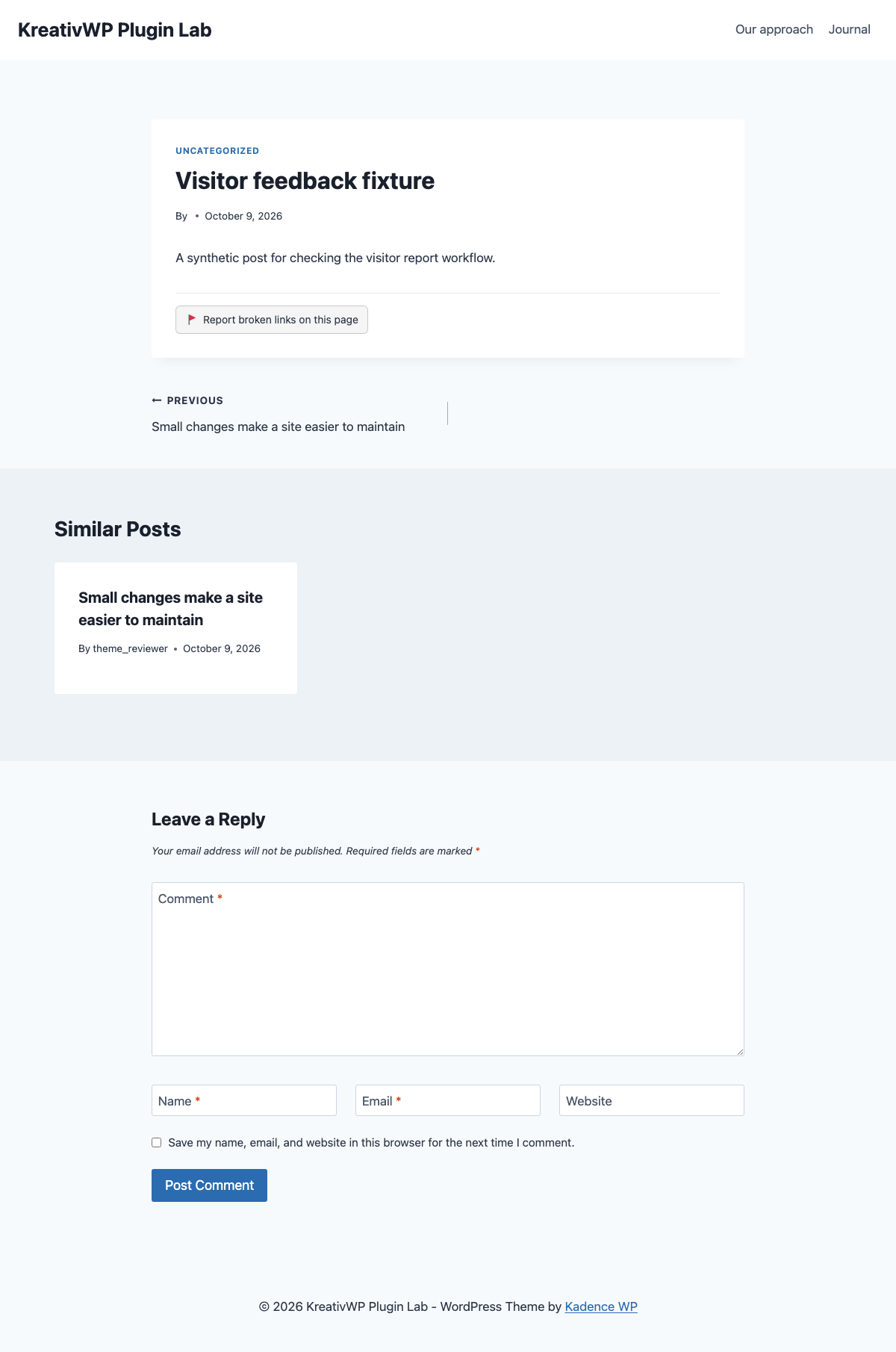
Adds a report button to enabled post types. Visitors flag a page that needs attention; the plugin does not crawl or automatically check links.

Free plugin · made by Andrei
Let visitors flag broken links and manage their reports in WordPress.
Try it on staging first. Need a hand? Email me. Include the plugin version, WordPress version, and what happened—not passwords.
Adds a report button to enabled post types. Visitors flag a page that needs attention; the plugin does not crawl or automatically check links.
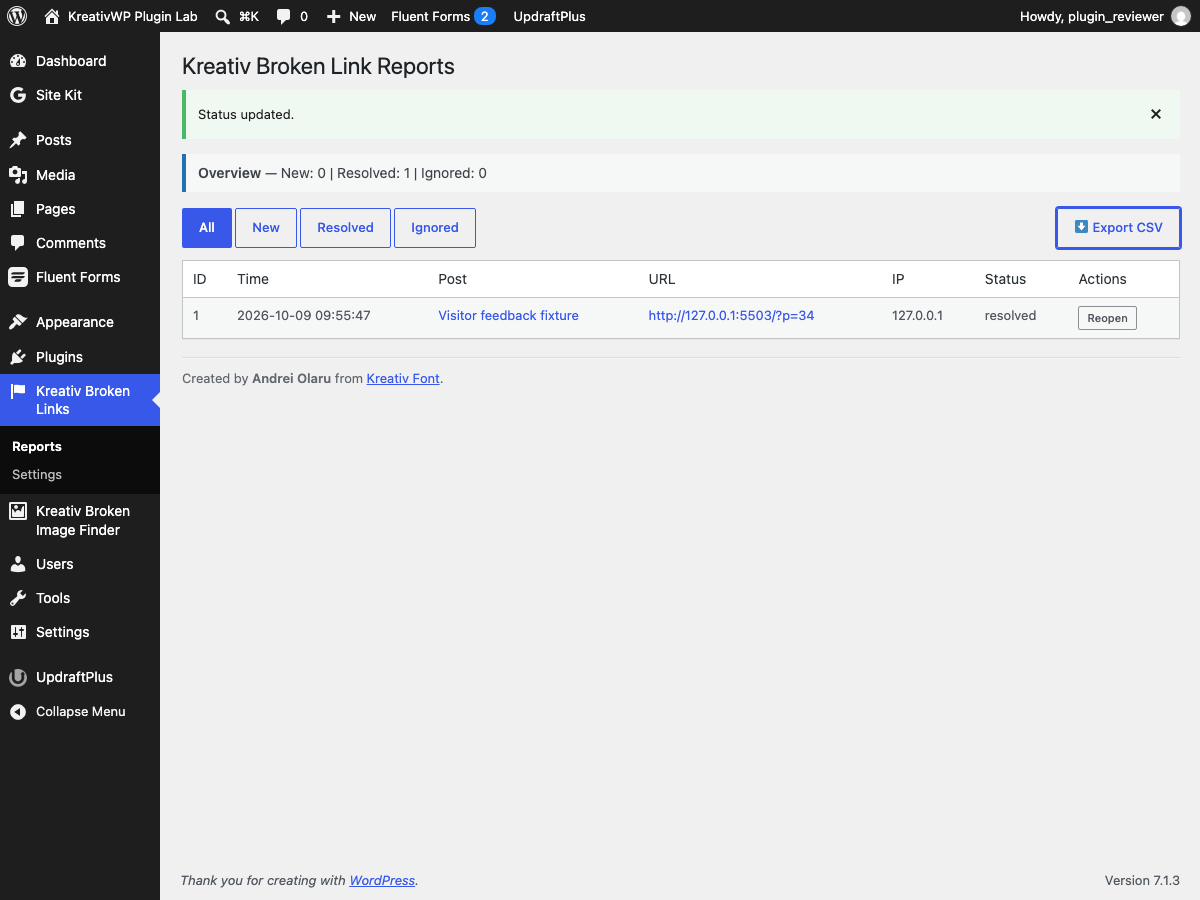
Review the reported page, resolve, ignore, or reopen reports. Optional notifications and CSV export help you keep the cleanup work organized.
Visitor reports tell you where someone noticed a problem. They do not prove every link is healthy. Use a separate crawler if you need automatic URL checks.
These notes describe this website, not plugin release versions. See the official directory for the plugin changelog.
Plugin page copy and public metadata were refreshed to align with the current Kreativ WP release and maintenance messaging.
The plugin page now links directly to a dedicated update post instead of sending visitors to the generic news index.